
# Download iUoB on your Android device
# Steps
Open the Help Center - iUoB website: https://help.iuob.uk (opens new window) in your device's default browser or Chrome browser
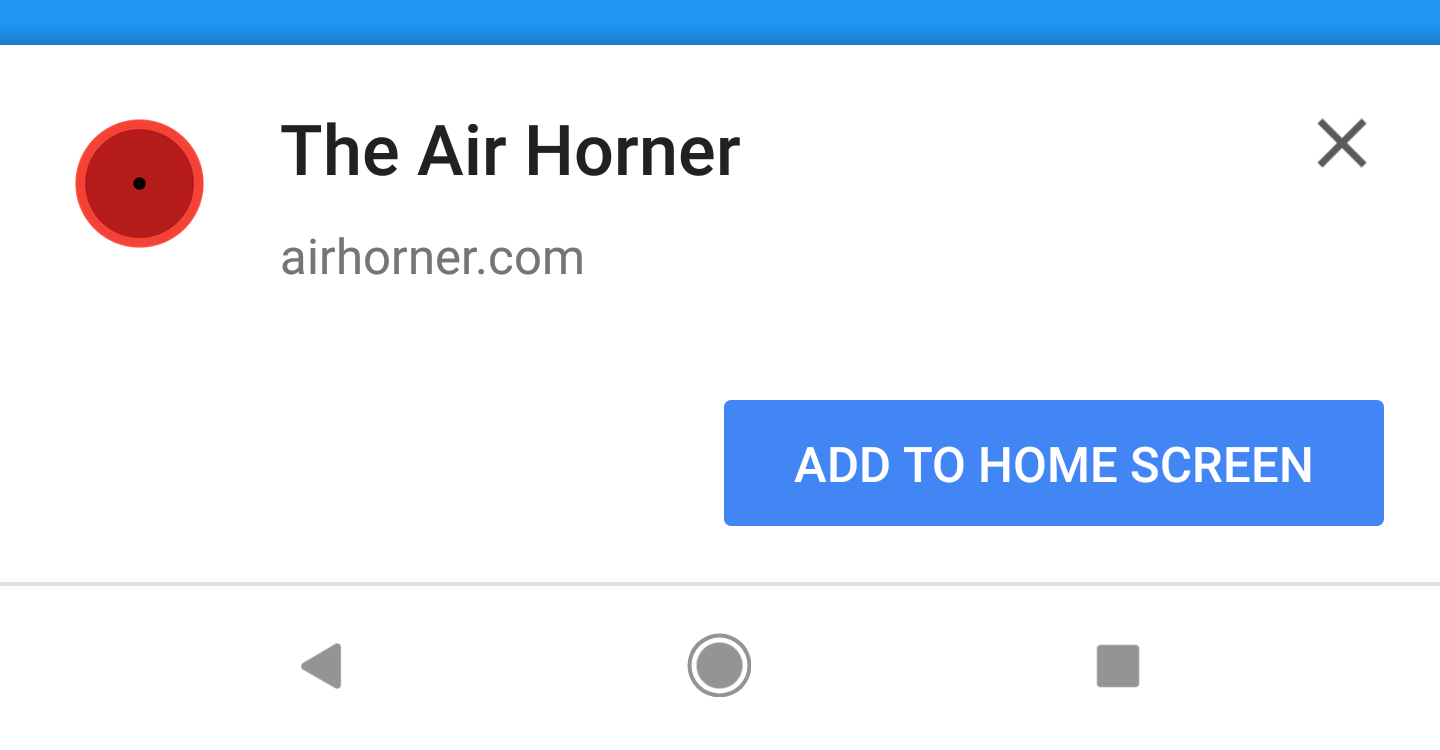
When you open, a pop-up will appear Add to Home Screen, just click Add. If it doesn't pop up, please see below.
Find the share button/three dots
Click to Add to Home Screen
Then click to add