# How to access eBook via Kortext?
Using Java Programming 9th Edition as an example
Access UoB Library findit.bham.ac.uk (opens new window)
Find the book you want (Example as https://birmingham-primo.hosted.exlibrisgroup.com/permalink/f/vmc2c6/44BIR_ALMA_DS51193255410004871 (opens new window))
Find the link via Kortext, and click it

- Redirect to login page
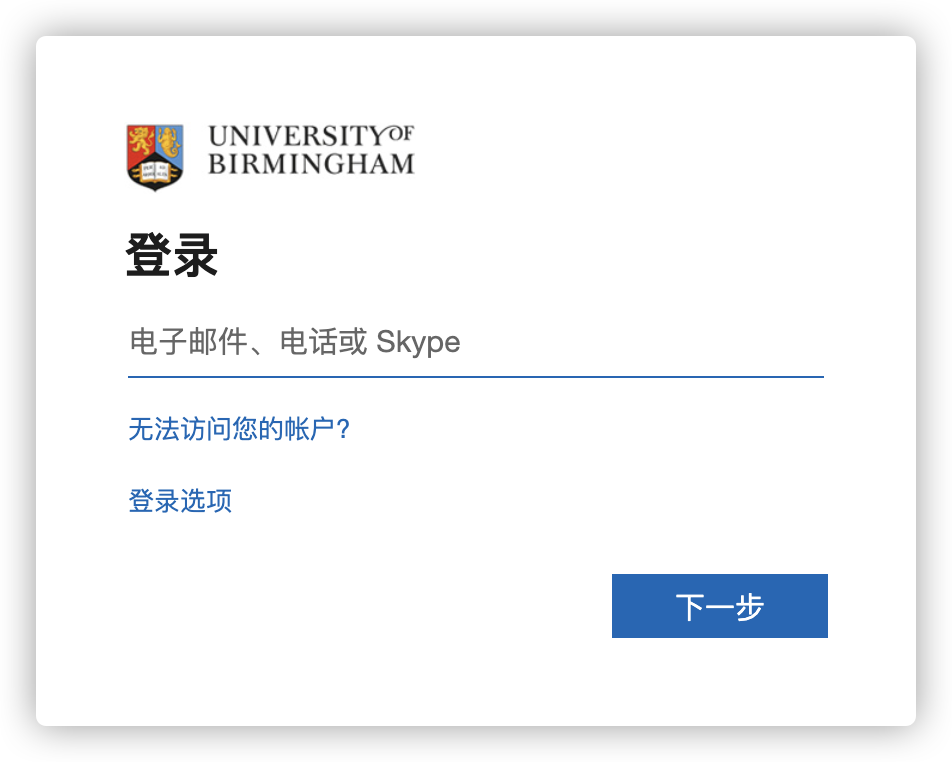
Login your UoB email address
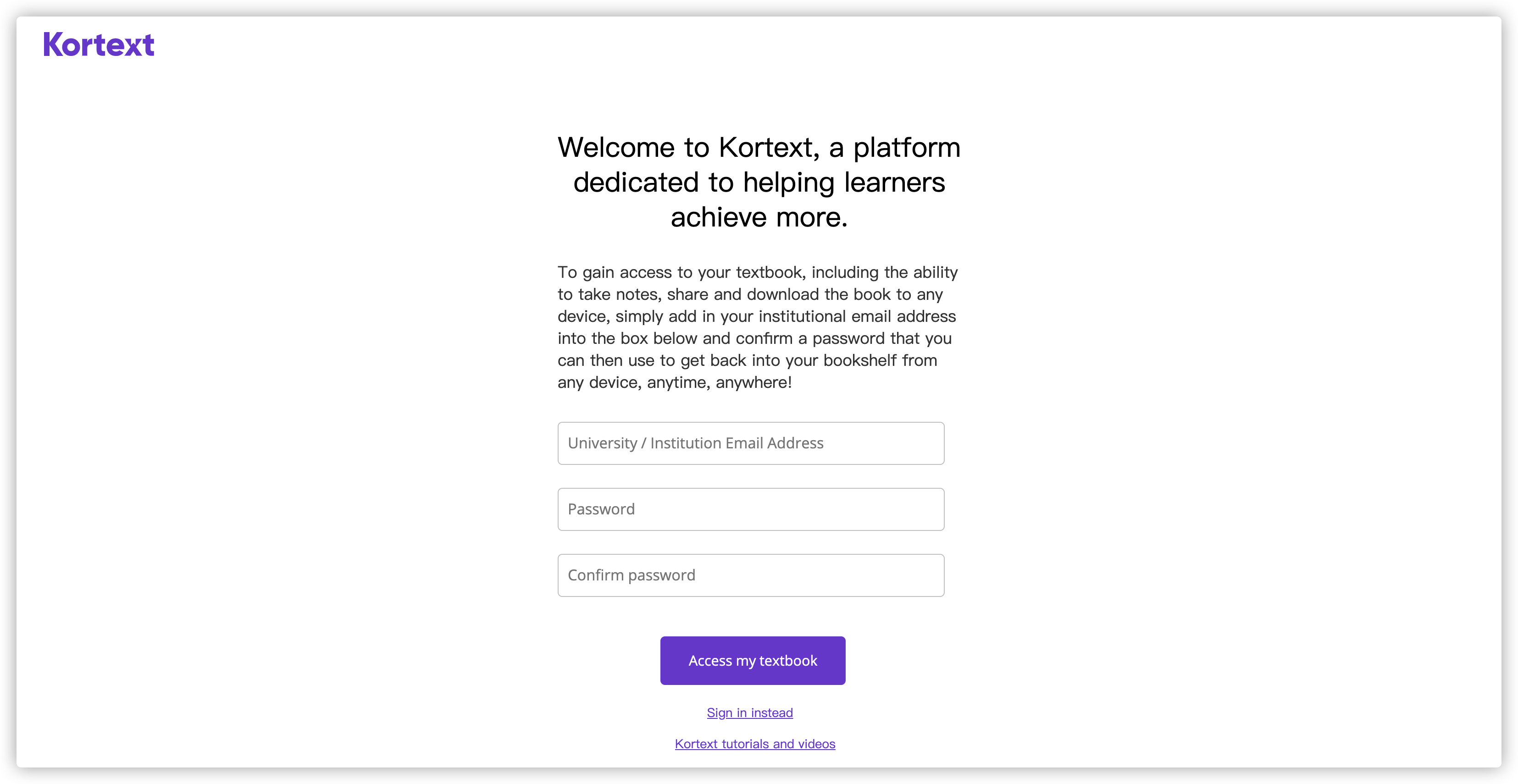
Redirect to Kortext (When the first time you access), type in student email and set a password, and click Access my textbook, if you already have a Kortext account, please use Sign in instead
- After successful login, you will be redirected to the reading page
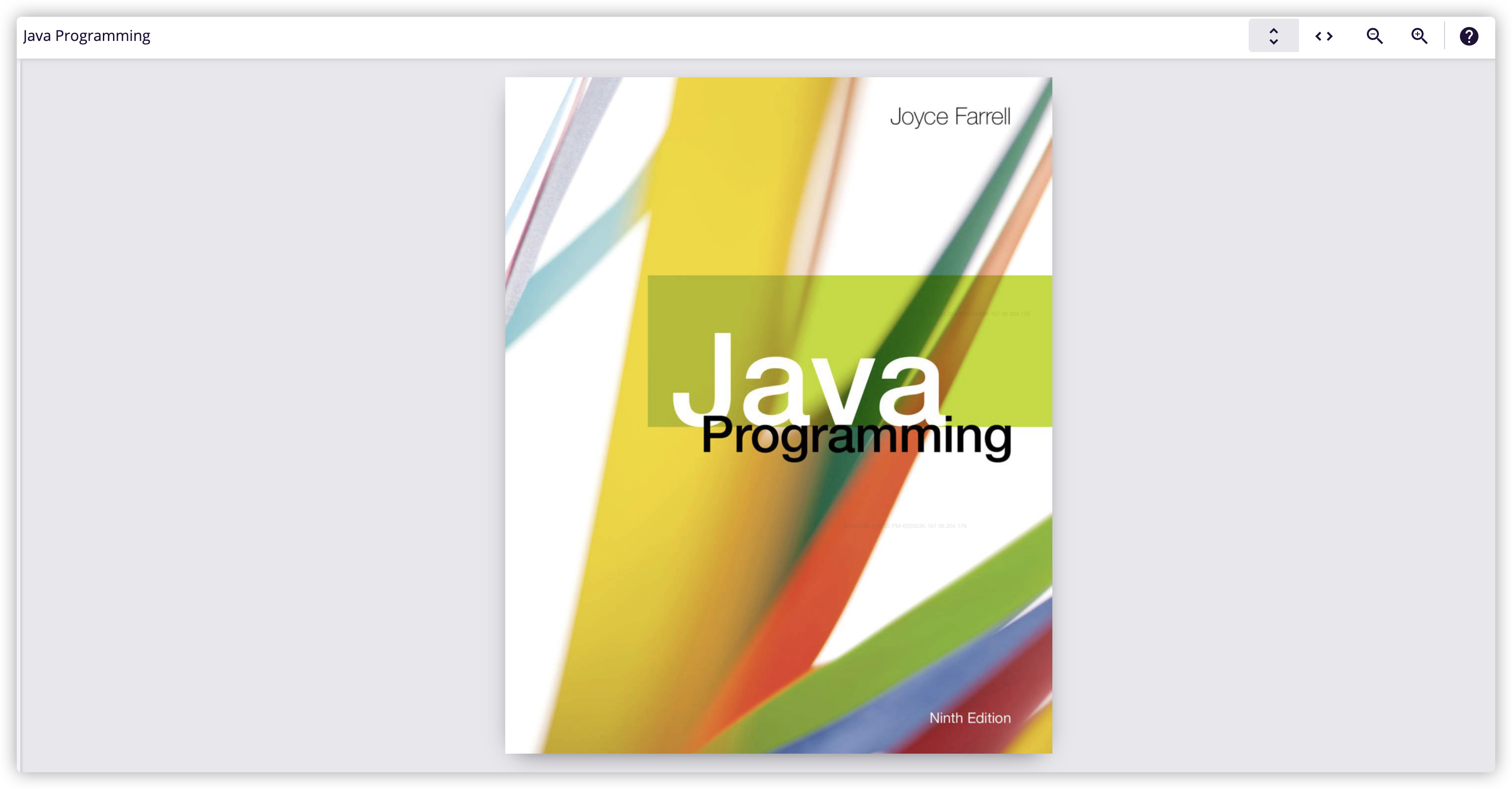
Now, You can use Kortext Mobile App or PC/MAC App to read the book