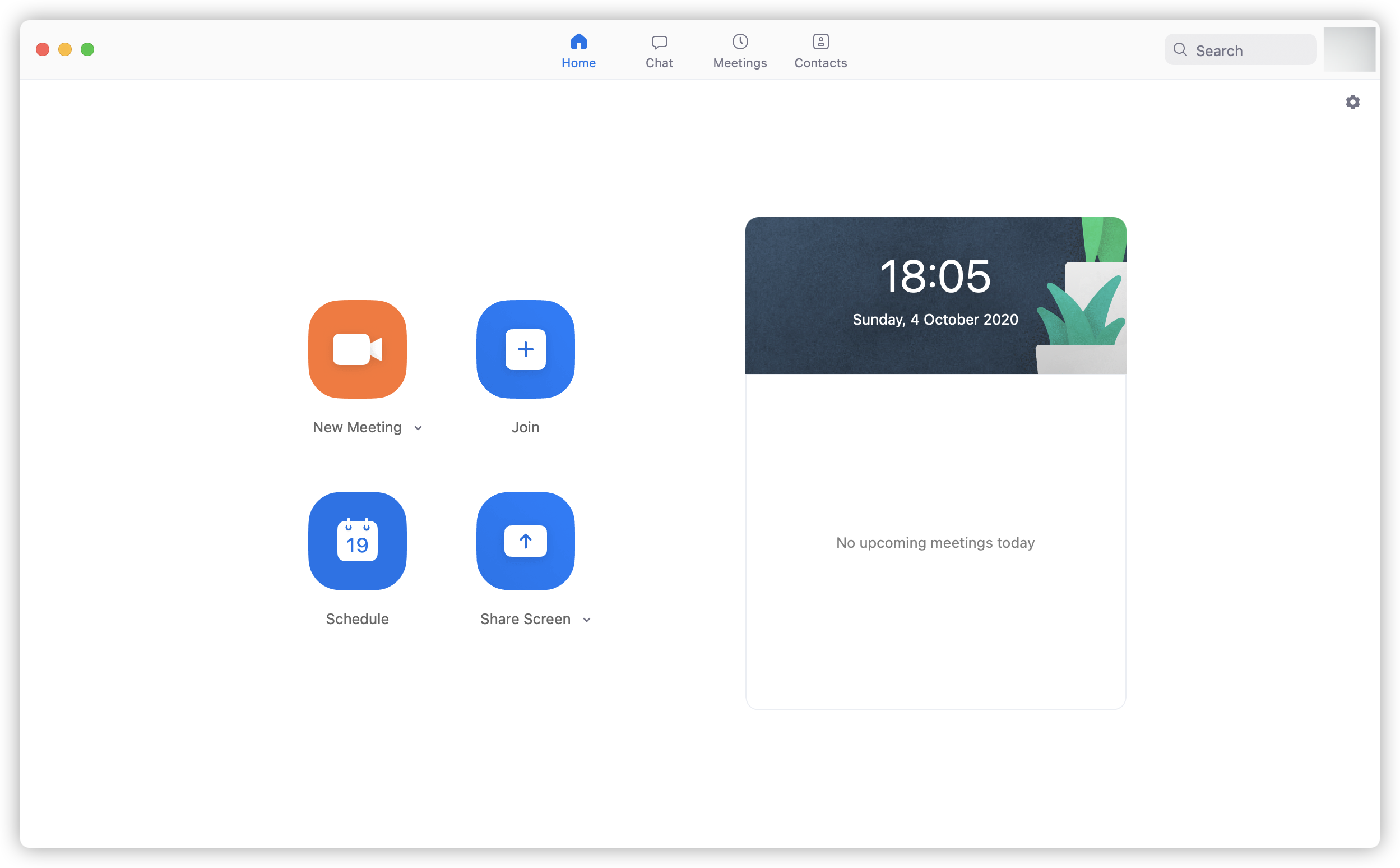
# Access Zoom (opens new window) via SSO (Eng Version)
Example as University of Birmingham SSO
- Go to Zoom login screen
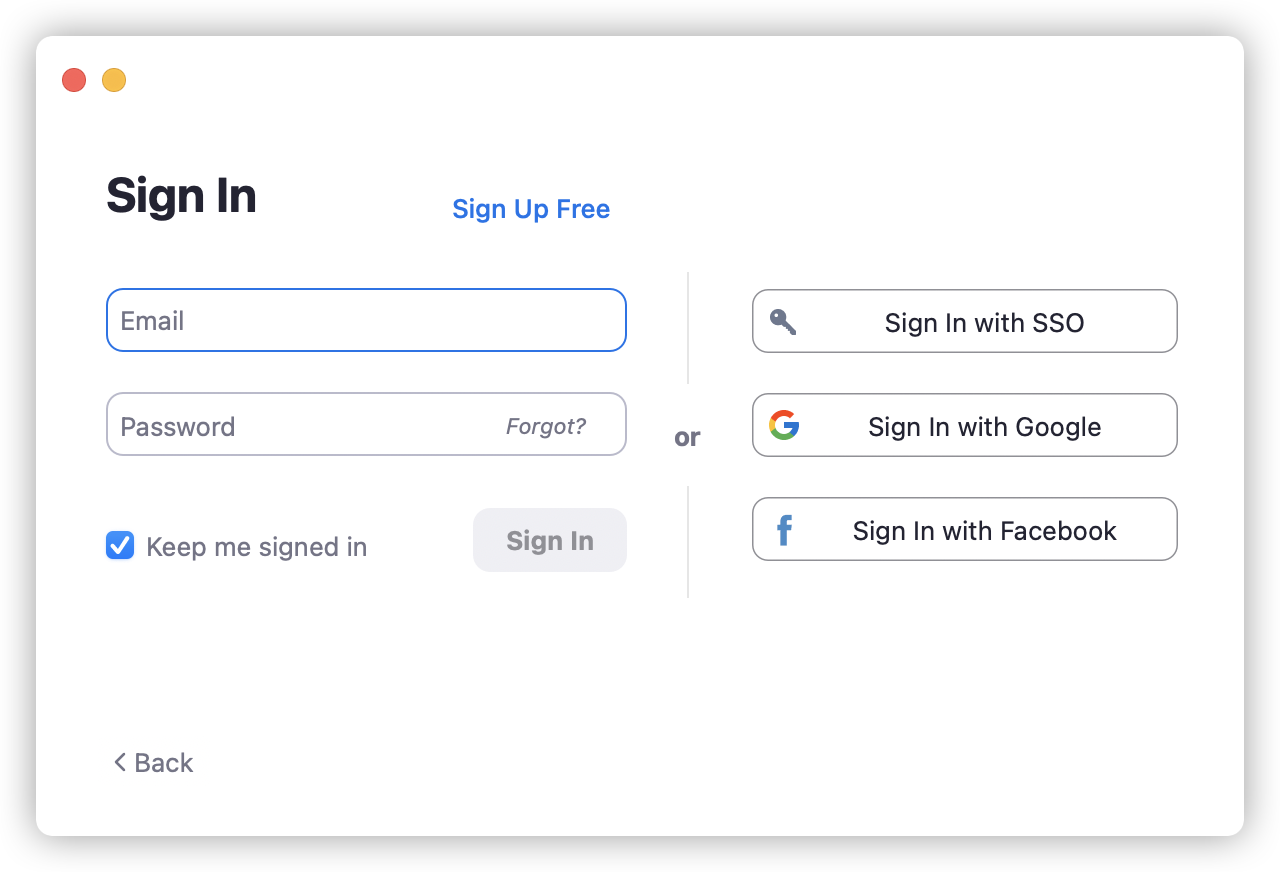
- Select SSO Login

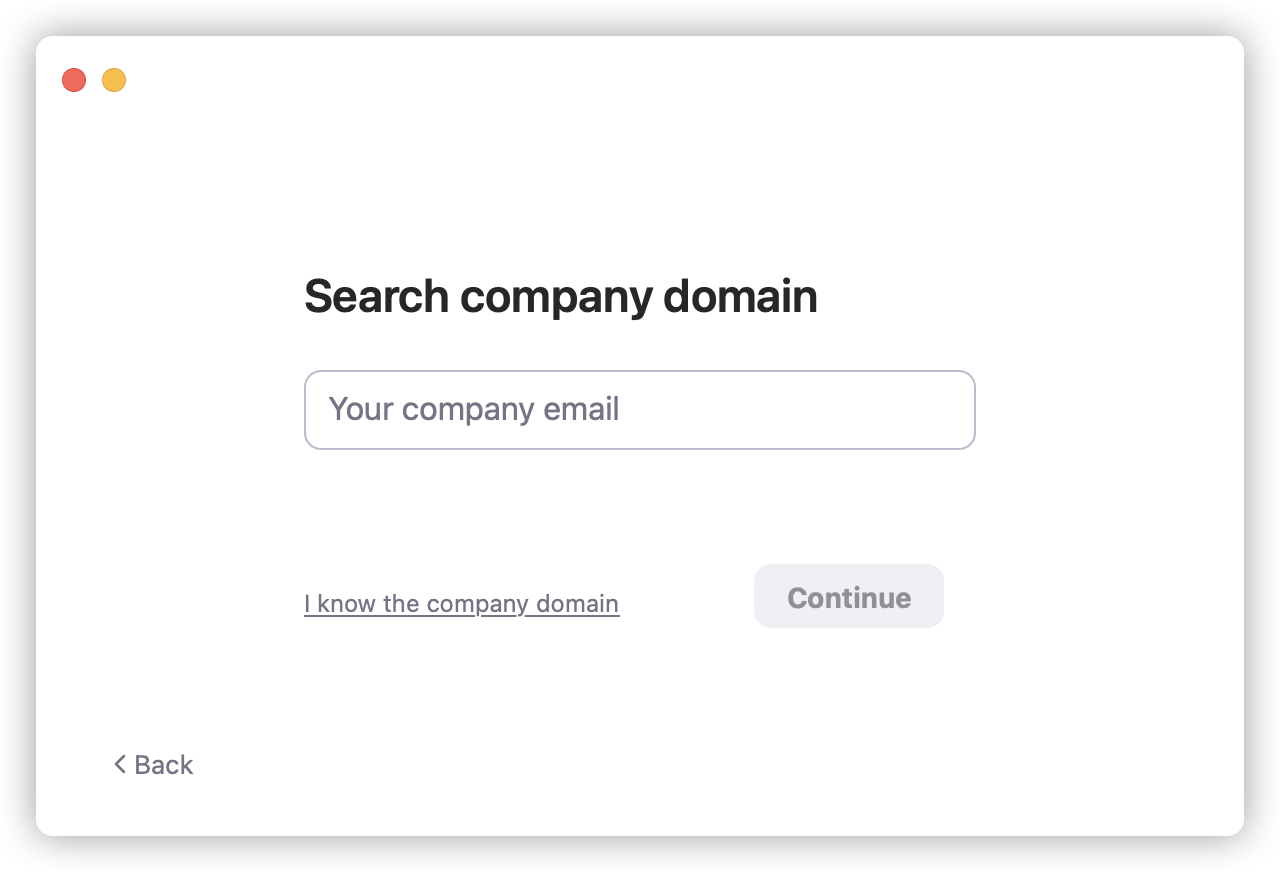
- Enter the SSO domain name and press Continue

- If you don't know the SSO domain name, please use your Company/University email address to find it.
- Redirect to the SSO authentication page

- Successful login to access your Zoom.us (opens new window) account